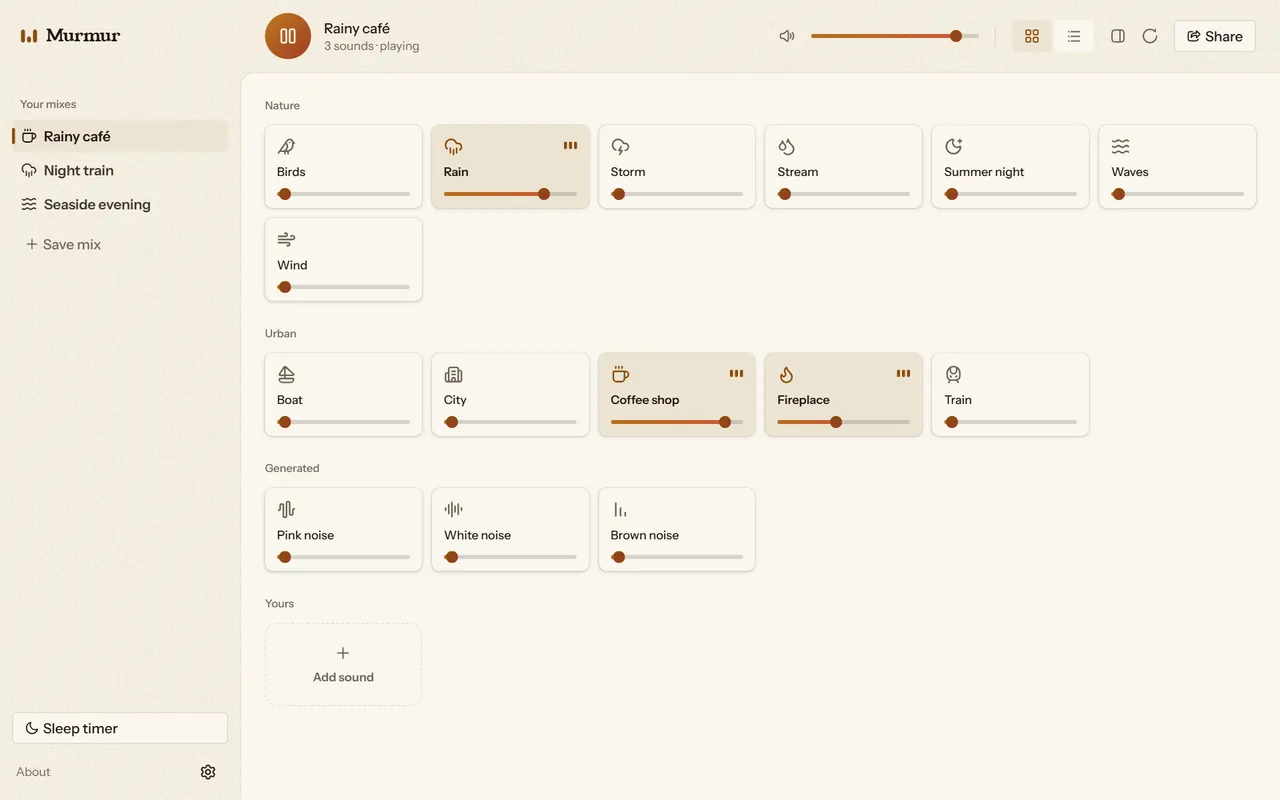
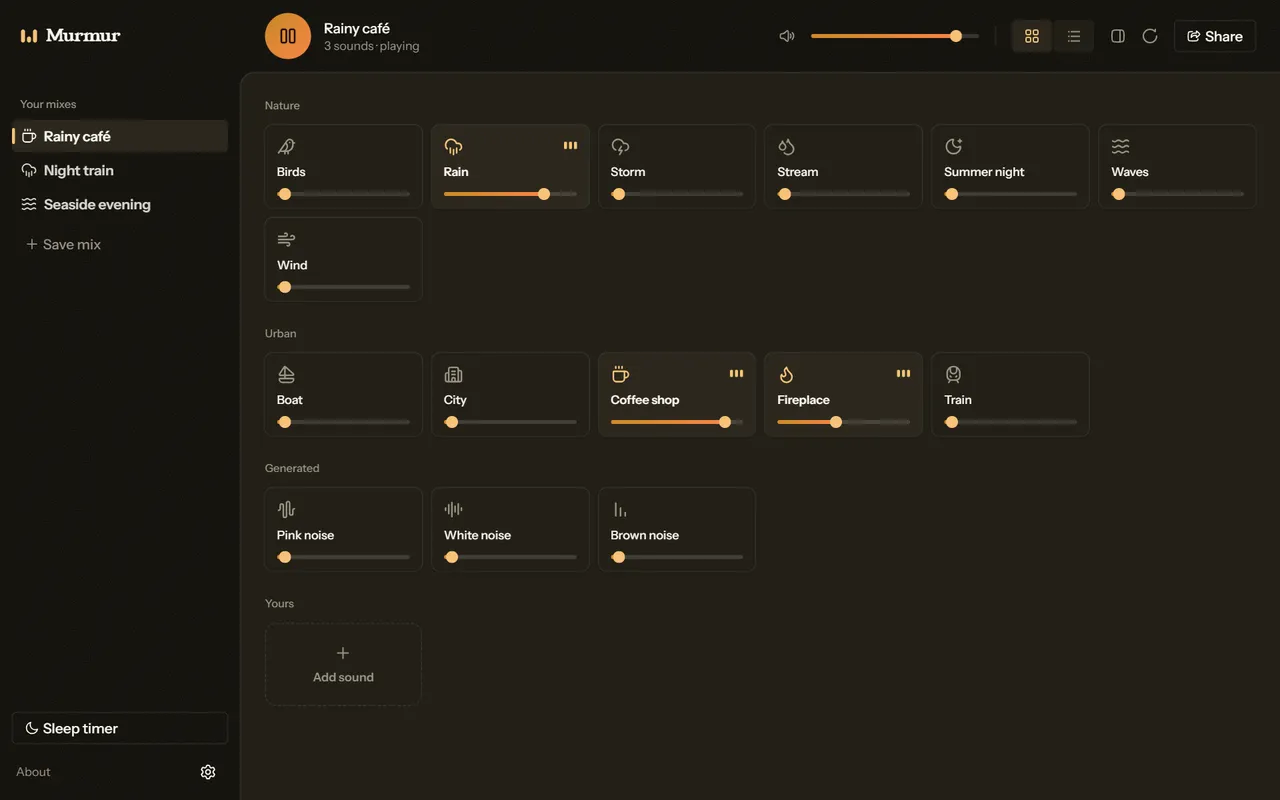
Layer sounds at any volume
A storm over a coffee shop
Most of this works in the browser and on Windows. Where it doesn’t, the card says.
A storm over a coffee shop
A link opens the same mix in another browser
An audio file, or a YouTube link
In the browser, from five minutes to four hours
In the browser, once you’ve saved the built-in sounds
On Windows, with media keys and launch at startup
Runs on Windows 10 (build 19041 or later) and Windows 11, on x64 and ARM64.
Version 1.0.0, released May 5, 2026
Latest releaseWindows won’t install Murmur until you trust its certificate. Each release comes with its own, so you trust it again for every update.
Grab Murmur-1.0.0.cer from the release you’re installing.
Right-click it, choose Install Certificate, and put it in Local Machine → Trusted People. Windows asks for admin approval.
Download the .msixbundle for your PC: x64 for most, arm64 for Snapdragon. Then double-click it.
Self-signing keeps releases free to publish. A Microsoft Store release may remove this step later.